
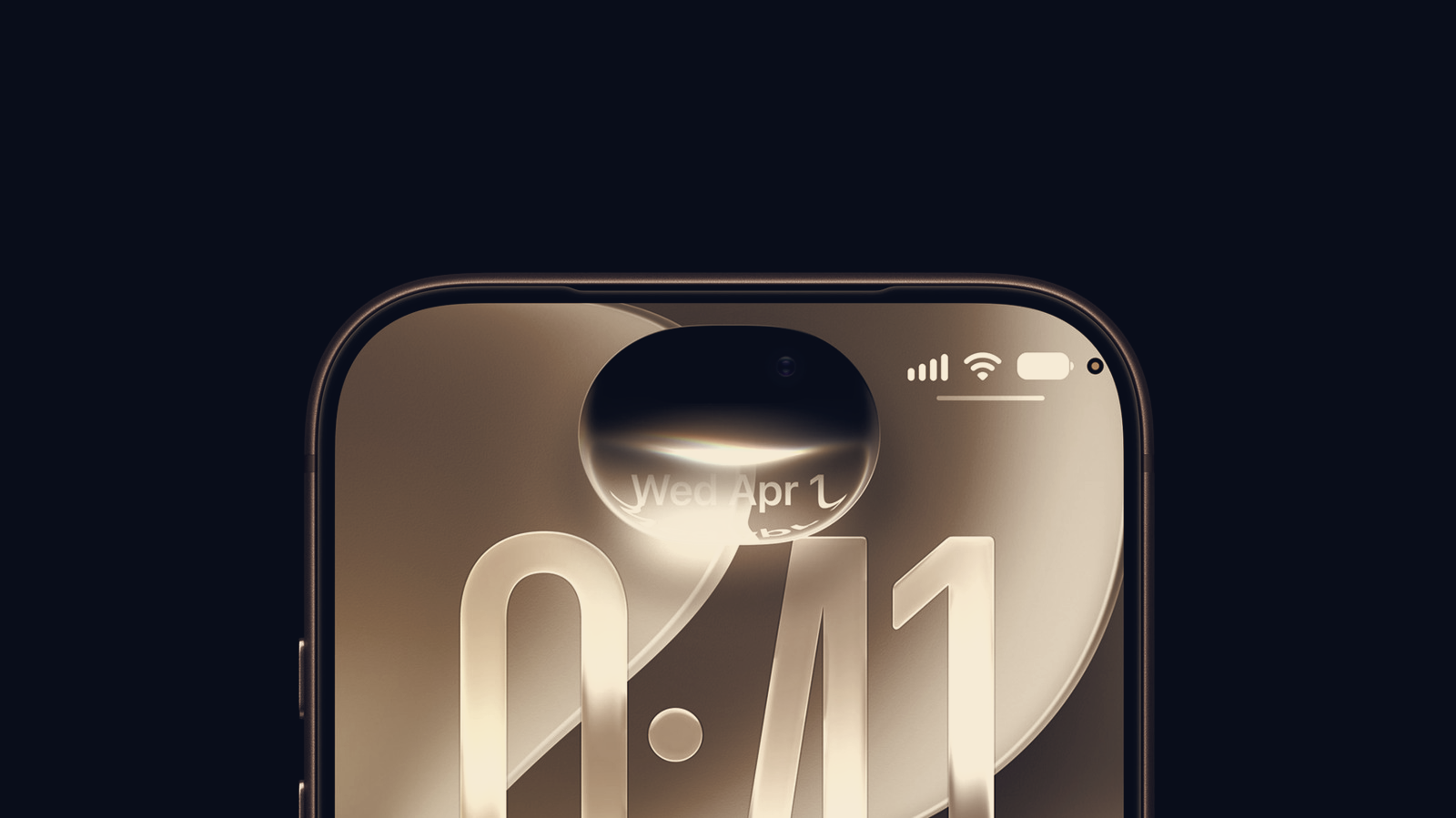
iPhone users running iOS 27 can find their devices temporarily unresponsive if they swipe the Notification Center and the Control Center in rapid succession. The issue leaves buttons and icons stuck at the top of the screen and prevents the phone from registering taps and swipes, effectively freezing the interface.
The freeze does not appear to be permanent, and the immediate remedy is a force restart. Because the screen is frozen and the on-screen power control cannot be used, users must trigger a hardware reboot. The recommended sequence is to press and quickly release the volume up button, press and quickly release the volume down button, then press and hold the side button until the Apple logo appears. The side button may need to be held for more than 10 seconds for the restart to begin.
A force reboot clears active RAM and closes running processes, which often resolves transient software hangs. For this bug the restart should restore normal touch response and clear the stuck icons at the top of the display. The behaviour suggests a software glitch in how the system handles near-simultaneous gestures for the two system overlays, rather than damage to hardware or permanent data loss.
Because the fault is triggered by a specific interaction, avoiding quick back-to-back swipes of the Notification Center and the Control Center will sidestep the problem for now. Users who encounter the freeze should not attempt more complex troubleshooting while the device is unresponsive; a force restart is the most reliable first step.
Apple will likely issue a fix in a future software update. Until that patch arrives, memorising the restart sequence provides a straightforward way to recover from the freeze without service visits or data restoration.