
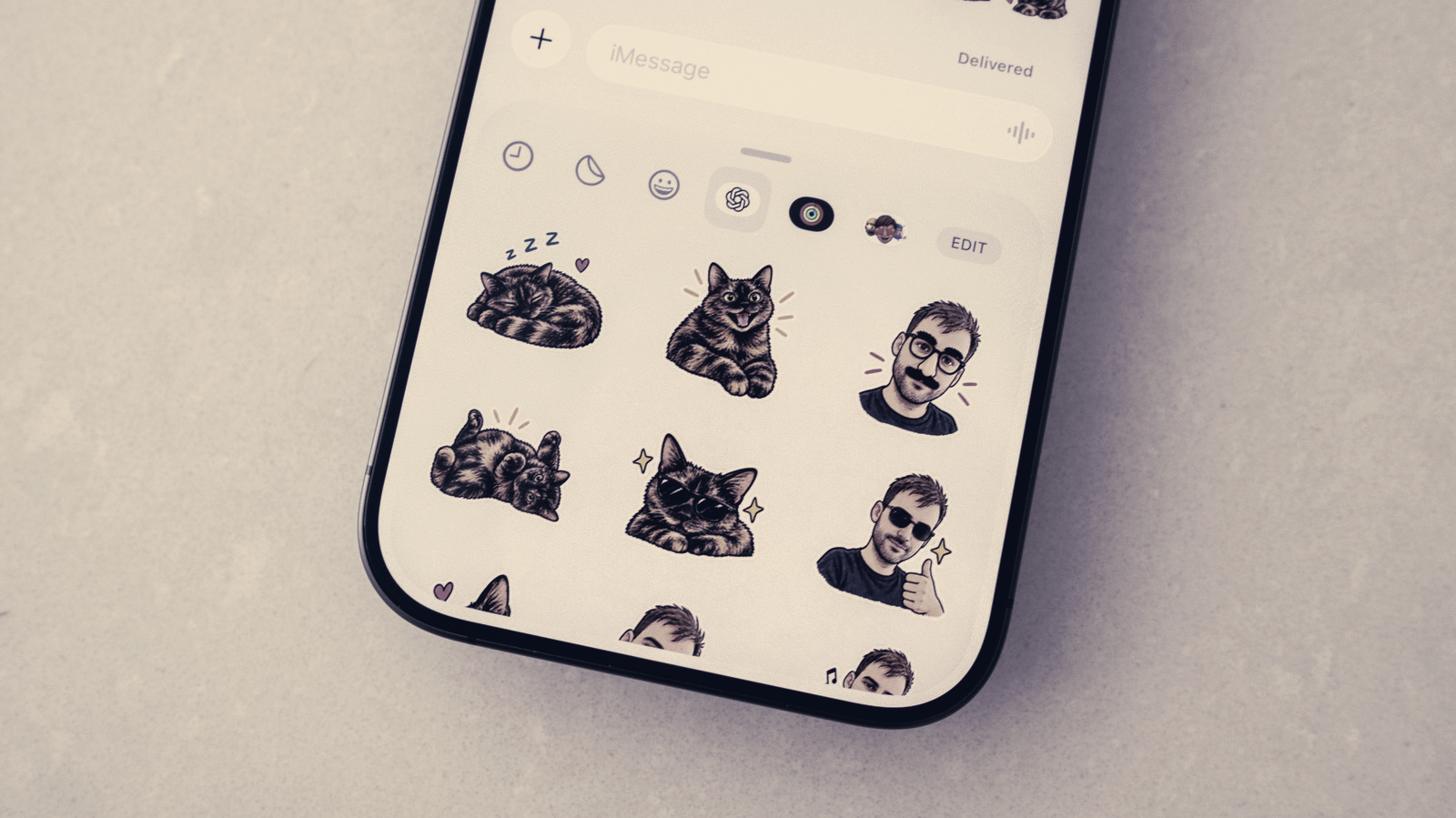
The sticker workflow lives in the Images section of the ChatGPT app. Open the app, open the sidebar menu, pick Images, then under Trending select Stickers. From there you choose a style, supply a reference image or images and select a set of emoji to guide the generator. After a short wait ChatGPT produces a nine-image sticker set you can export to your chosen messaging app.
To add the pack, tap Add to chat apps and pick either iMessage or WhatsApp. If you export to WhatsApp you will be prompted to name the sticker pack before it is added. Note that the iMessage export option is not available when using the ChatGPT app on Android devices.
If the first results miss the mark you can refine them inside the app. Tap any generated sticker, choose Edit and type instructions into the prompt bar to request adjustments. If ChatGPT misunderstands the brief you can tap the three dots menu and retry the operation from scratch.
Once imported, stickers appear in the normal picker inside each messaging app. In Messages, open a conversation, tap the plus button, select Stickers and then the OpenAI logo to find your pack. In WhatsApp, open a chat and use the sticker icon on the right side of the compose bar, selecting the appropriate pack name if multiple sets are available. WhatsApp may show a second sticker icon below the GIF picker in some views.
Keep in mind every sticker generation consumes part of your ChatGPT daily and weekly usage allowance. Users on free plans may need to wait for limits to refresh before they can create more stickers.