

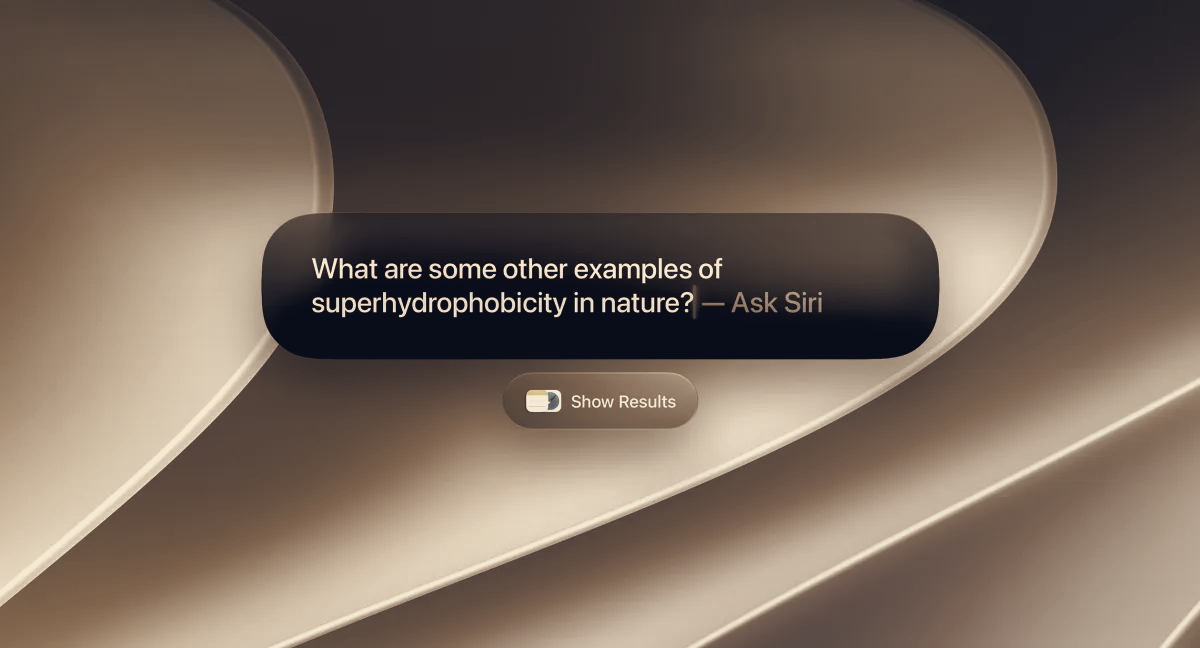
Mac users gain a context-aware desktop assistant in macOS 27 Golden Gate, Apple’s update that lets Siri act on the content of open windows, files and user-selected screen regions. The change embeds the iOS 27 Siri capabilities into the desktop while expanding the assistant’s access to on-device signals, so Siri can summarize content, run searches or offer actions based on what it sees without forcing users to open documents.
Apple added keyboard controls to manage that context: press Command + Shift + Space to include the focused window, or Command + Shift + 6 to activate a crosshair tool and pick a specific area for Visual Intelligence to analyse. After a selection, Siri surfaces actions such as Select, Add to Contact and Look Up Location, and users can run image searches or follow-up queries tied to the clipped content.
Spotlight receives deeper AI integration alongside Siri. Queries can run inside Spotlight and be filtered by Applications, Files, Actions or Clipboard; Spotlight can execute Shortcuts and show recent search history. Because Siri can now access files, email and messages on-device, it can retrieve items such as membership IDs, trip details and embargo dates without opening the underlying files, according to early tests reported with the release.
Safari gains monitoring tools that track page changes for price shifts, privacy policy updates or new posts on sites that lack RSS, and the browser can automatically group tabs by topic. Finder proposes contextual file names when saving or renaming documents, a small ergonomics tweak meant to speed organisation of downloads and drafts.
Golden Gate also introduces visible design revisions. Apple rolled out Liquid Glass icons with an adjustable finish slider, streamlined corner radii across app windows, edge-to-edge sidebars with refreshed colourful icons, and a new content-diffusion effect that makes active windows easier to pick out while dragging.
The update adds several other features, including enhanced child safety controls, shared cross-platform photo albums, an updated eraser tool, improved email search, app resizing for iPhone mirroring and quick suggestions for adding events to Calendar. The release is available starting today for a list of Apple Silicon Macs: MacBook Air and MacBook Pro 2020 models with Apple Silicon or later, iMac with Apple Silicon 2021 or later, Mac mini 2020 or later, Mac Studio 2022 or later, Mac Pro 2023 or later, and MacBook Neo. Install the update via System Settings > General > Software Update.
By giving Siri system-level visibility, Apple places its assistant in direct competition with existing sidebar-style AI tools and third-party app assistants that already use window and tab context. Companies that build browser and app assistants will now confront a platform-level rival on machines where Siri can access local files and system signals. For users who do their heaviest writing and research on a Mac, Apple positions Siri and Spotlight as the default aids, potentially shifting work away from extensible productivity tools toward platform-integrated AI. What happens next will depend on how developers adapt their assistants and whether users prefer a built-in workflow that keeps data on device.