

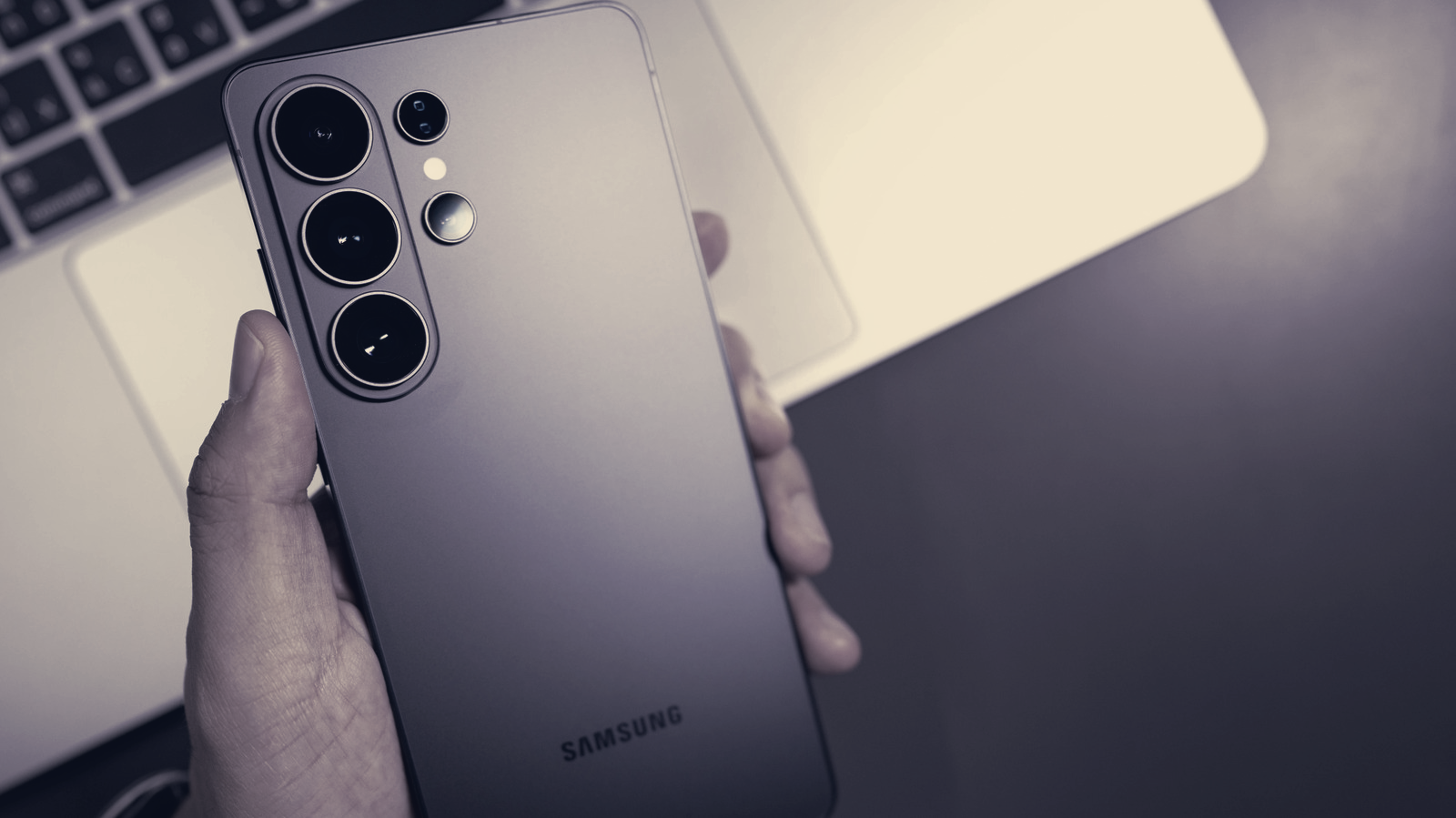
Galaxy owners can convert the multifunction side button into a custom shortcut, changing what the button does for single, double and long presses. The shift hands control to users, letting the same hardware perform app launches, Modes and Routines or quick utility tasks without third-party tools.
Samsung phased out traditional power-only buttons in 2019, and the extra physical control that appeared on flagships such as the S8 through S10 evolved into the side button on later models. On Note10-series phones and newer, that control merged with the power key. By default a short press toggles the screen, a long press summons Bixby, a double press opens the camera, long-pressing the side button plus volume-down presents the power menu, and a short press of those two keys captures a screenshot.
Customisation is handled inside the phone under Settings > Advanced features > Side button. A double press can be assigned to Camera, Flashlight, Magnifier, Voice Recorder, Samsung Notes, Modes and Routines, Samsung Capture or any chosen app. The long-press option is restricted to assistant apps such as Bixby, Google Gemini, ChatGPT and Claude, or instead can be set to bring up the power-off menu.
Older Galaxy phones that retain a separate physical Bixby button, namely the Galaxy S10, S9 and S8 series and the Note 8 and Note 9, keep a long press hard-wired to open Bixby Voice. On those devices the third button’s single- and double-press actions can be changed, but those gestures cannot both be reassigned simultaneously, because one slot must remain tied to Bixby Home.
Modes and Routines are among the most practical uses of the remap feature. Assigning Driving Mode to the side button can trigger hands-free calling, launch maps, read messages aloud and send auto-replies. Assigning Voice Recorder to a double press allows recording to start immediately, without unlocking the device. On Galaxy Z Flip phones the side button’s behaviour can vary depending on whether the device is open or closed.
All adjustments are performed in the phone’s settings, no hidden menus or codes required. The controls give owners a straightforward way to streamline common tasks and stop accidental Bixby activations by replacing them with preferred apps or routines.